Keep Secrets Safe in Node.js

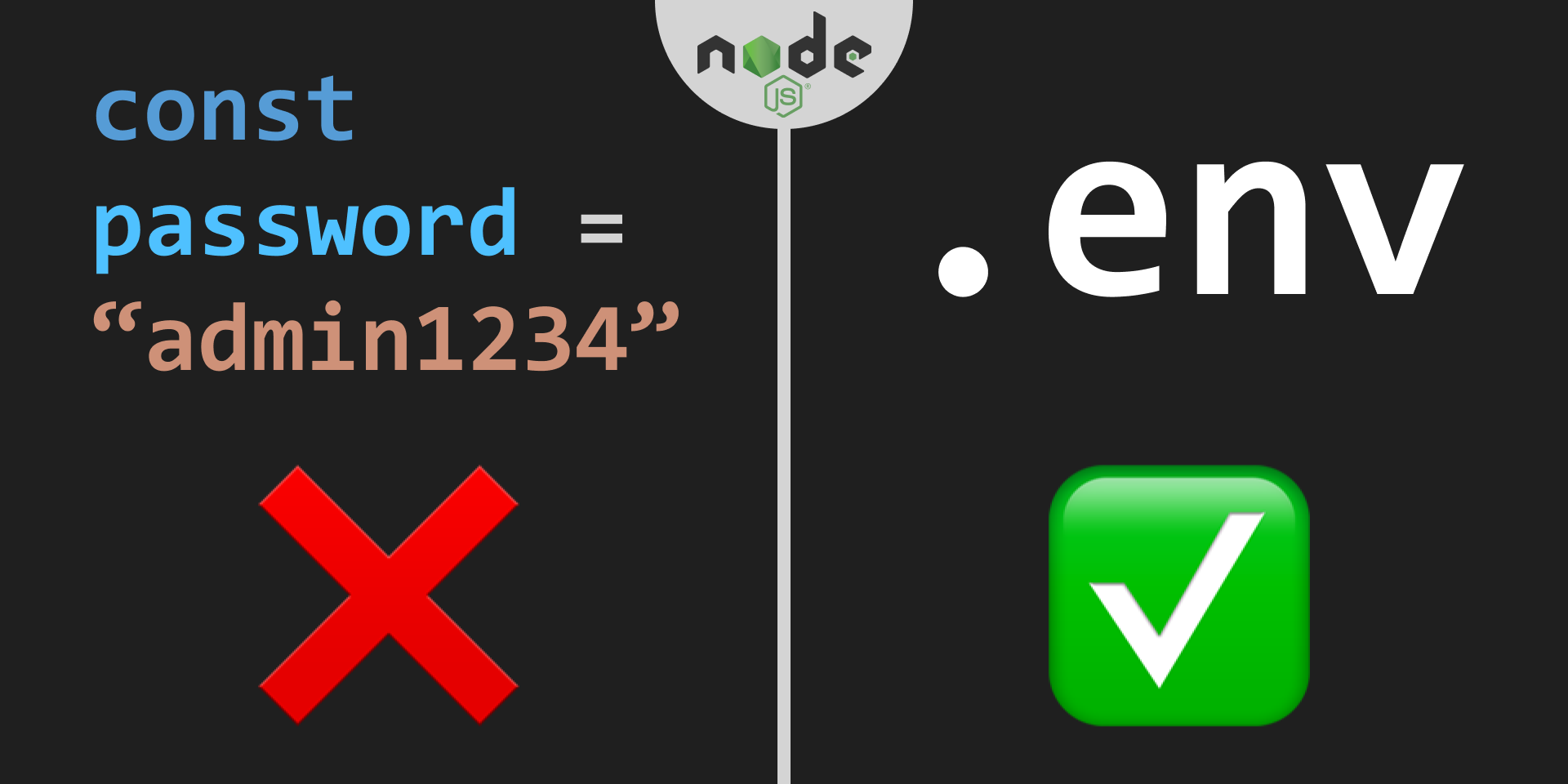
I had the chance to review Node.js code from several interns, and I found some things. Some of them wrote the DB Connection String right in the code. Some did a bit better and kept the DB Connection String in .env, but then they pushed .env to GitHub 😱
So today I want to show you how to keep secrets, like a DB Connection String, safe in Node.js.
Here is some bad example code.
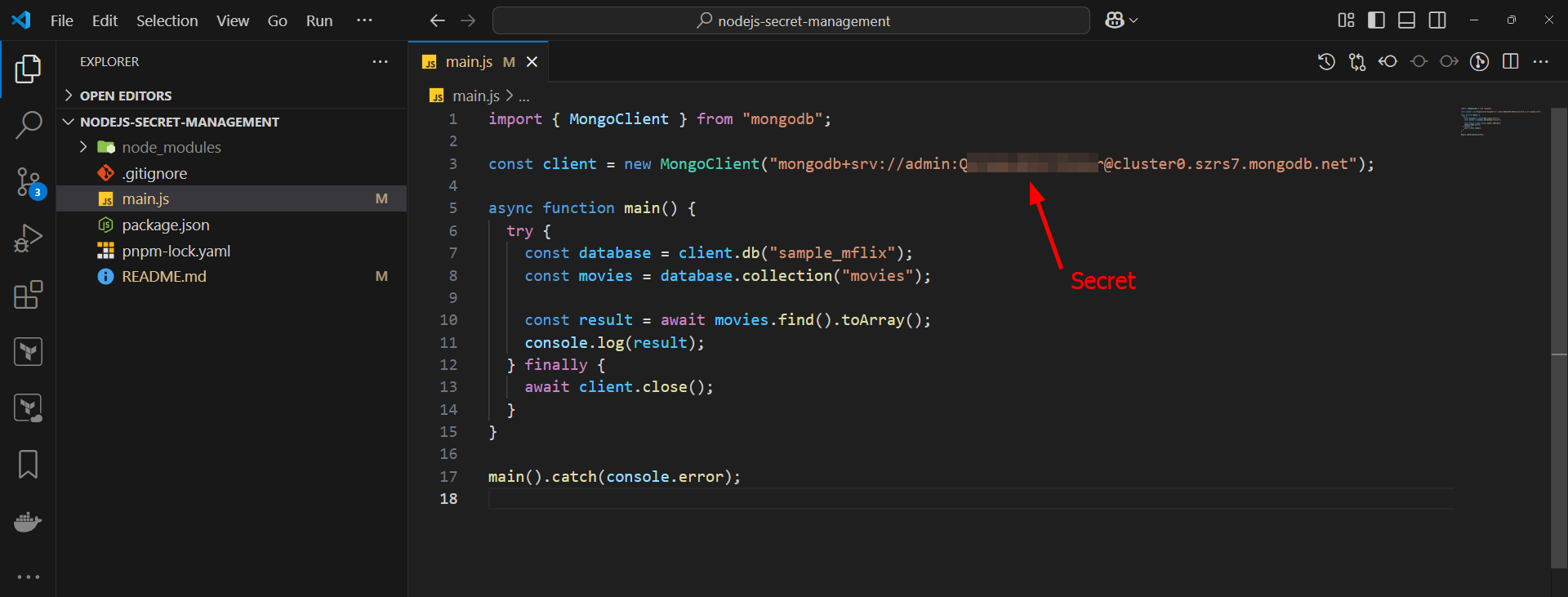
You can see that this code has the DB Connection String right inside it. We should not do this. If anyone gets this source code file, they can get into our DB, and our private data will leak!
What we should do is keep the secret in a .env file.
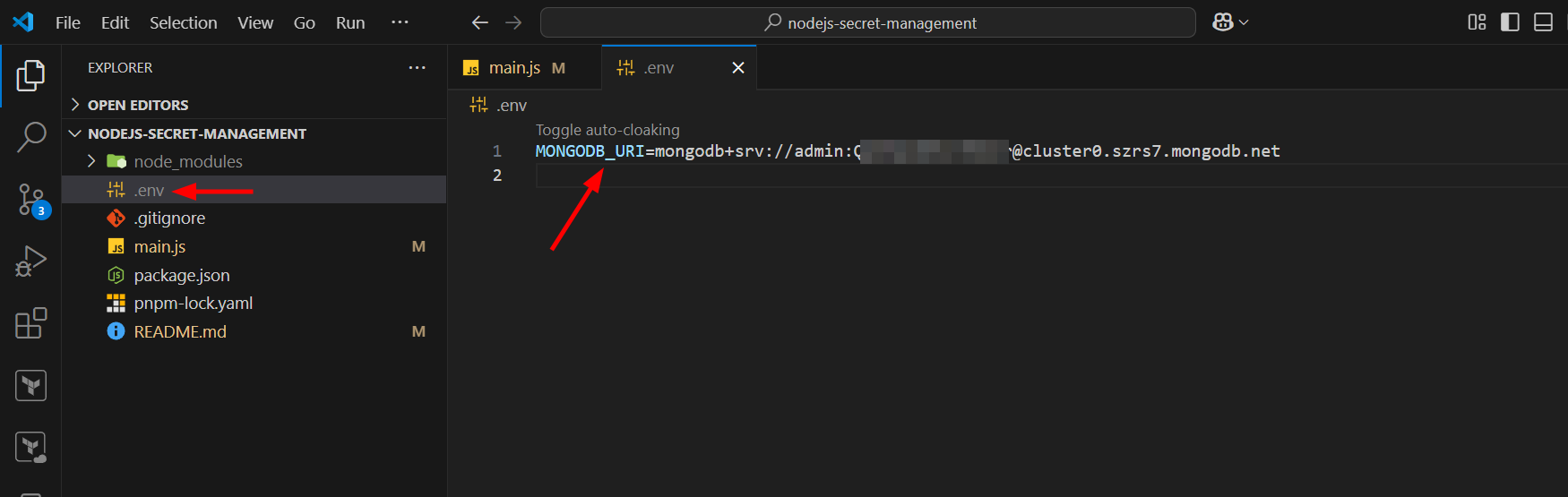
We will use the dotenv library (https://github.com/motdotla/dotenv) to handle it.
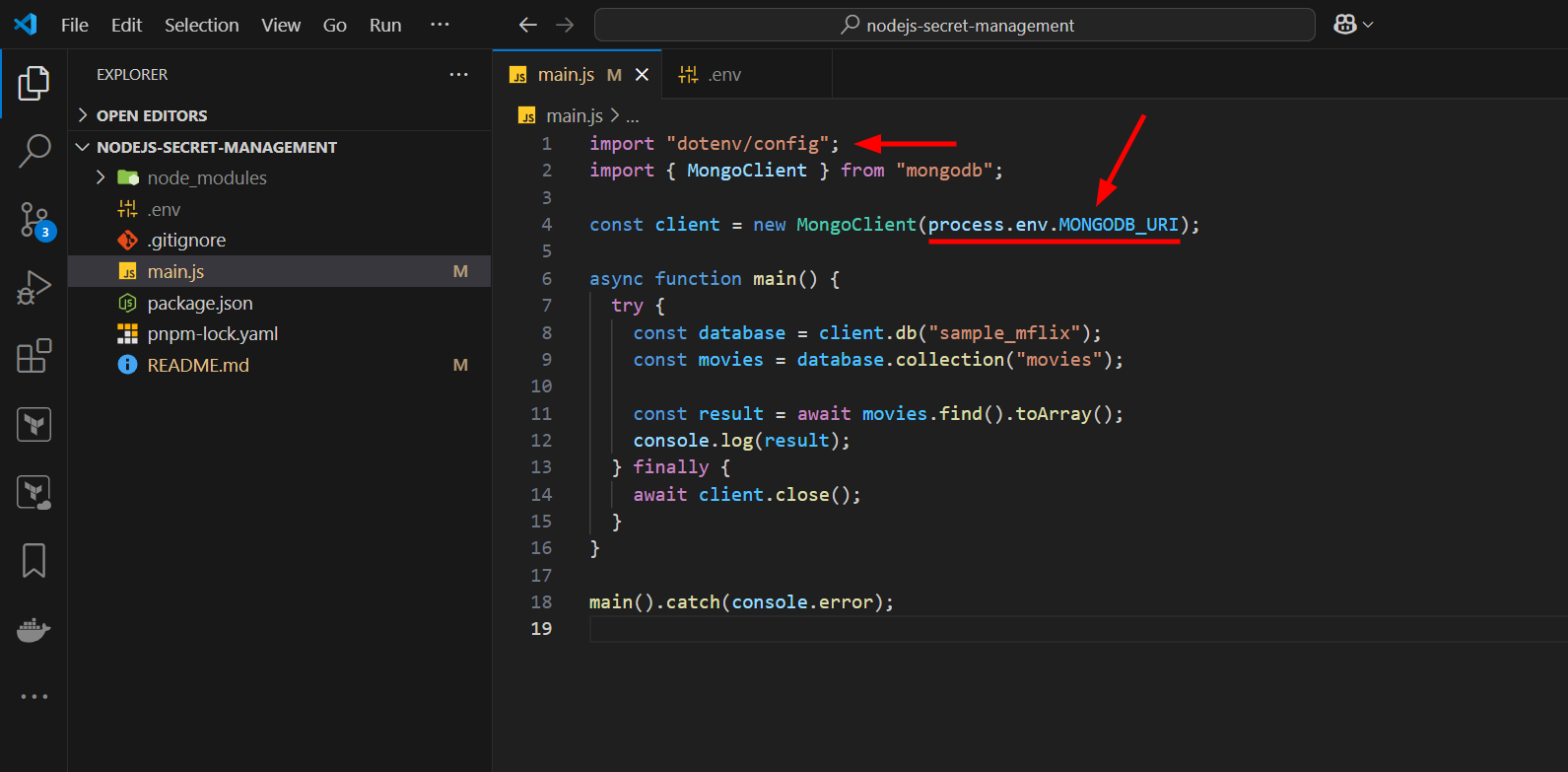
A .env file is like a set of variables that lives on our own computer. When we deploy this code to a real server, we set the same variables on the server too. We call these variables “Environment Variables”.
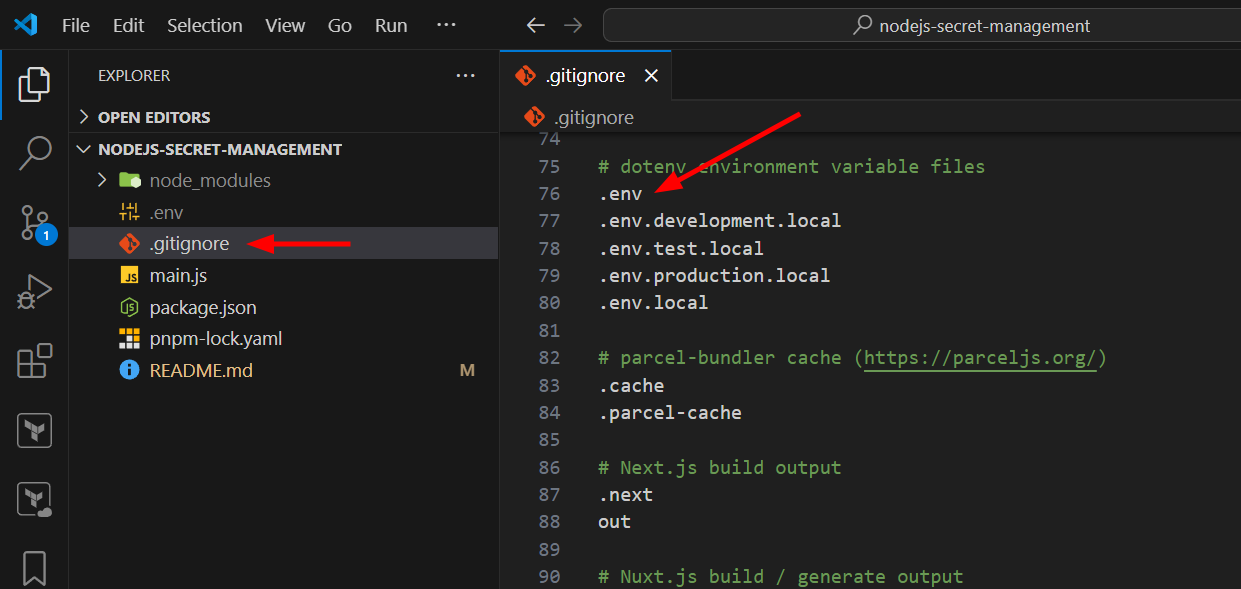
But we must never push .env to GitHub! Go add it to .gitignore right now!
What we should do next is write docs on how to set up the project.
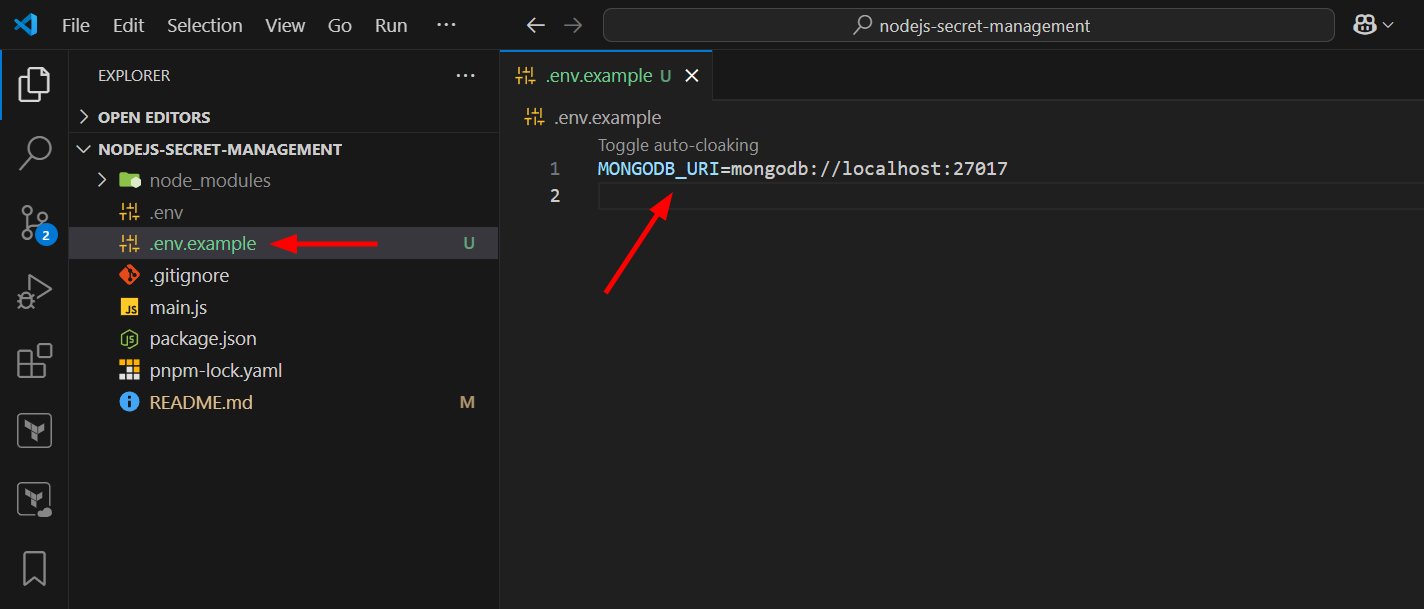
Personally, I create a .env.example file to show what the .env file looks like. Never put real secret values in this file.
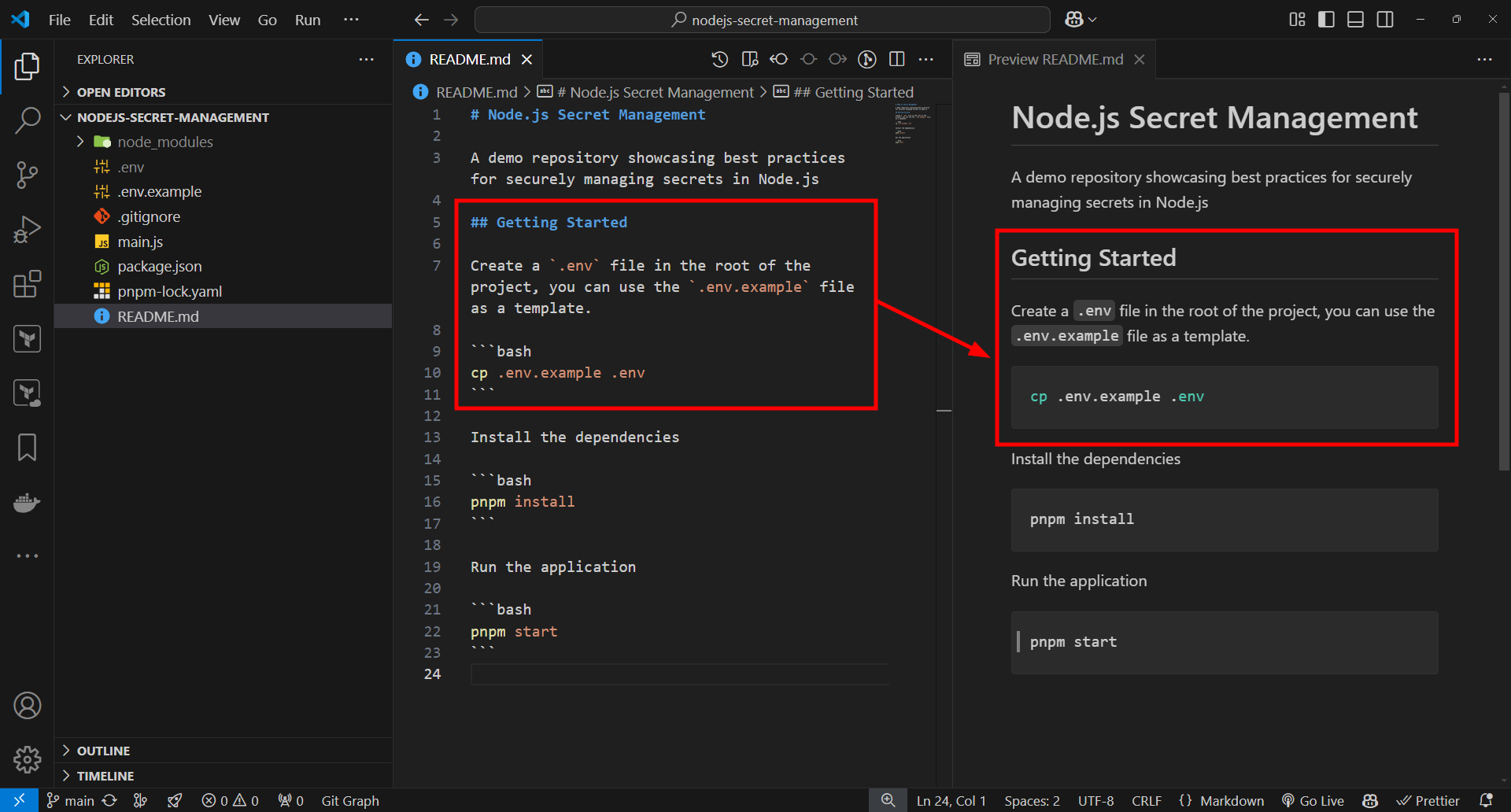
Then I write the setup steps in README.md. They tell people to copy .env.example and rename the copy to .env.
That’s all! Now we can keep secrets safe in Node.js 🎉
A .env file is not only for secrets. You can also keep config variables in it, like APP_NAME, PORT, or anything else you need.
I keep all the source code of this demo at https://github.com/ChaiyoKung/nodejs-secret-management. Feel free to take a look. If you give it a star, I will be very thankful.
Thank you!