Make Your Images Sharper for Free with Upscayl

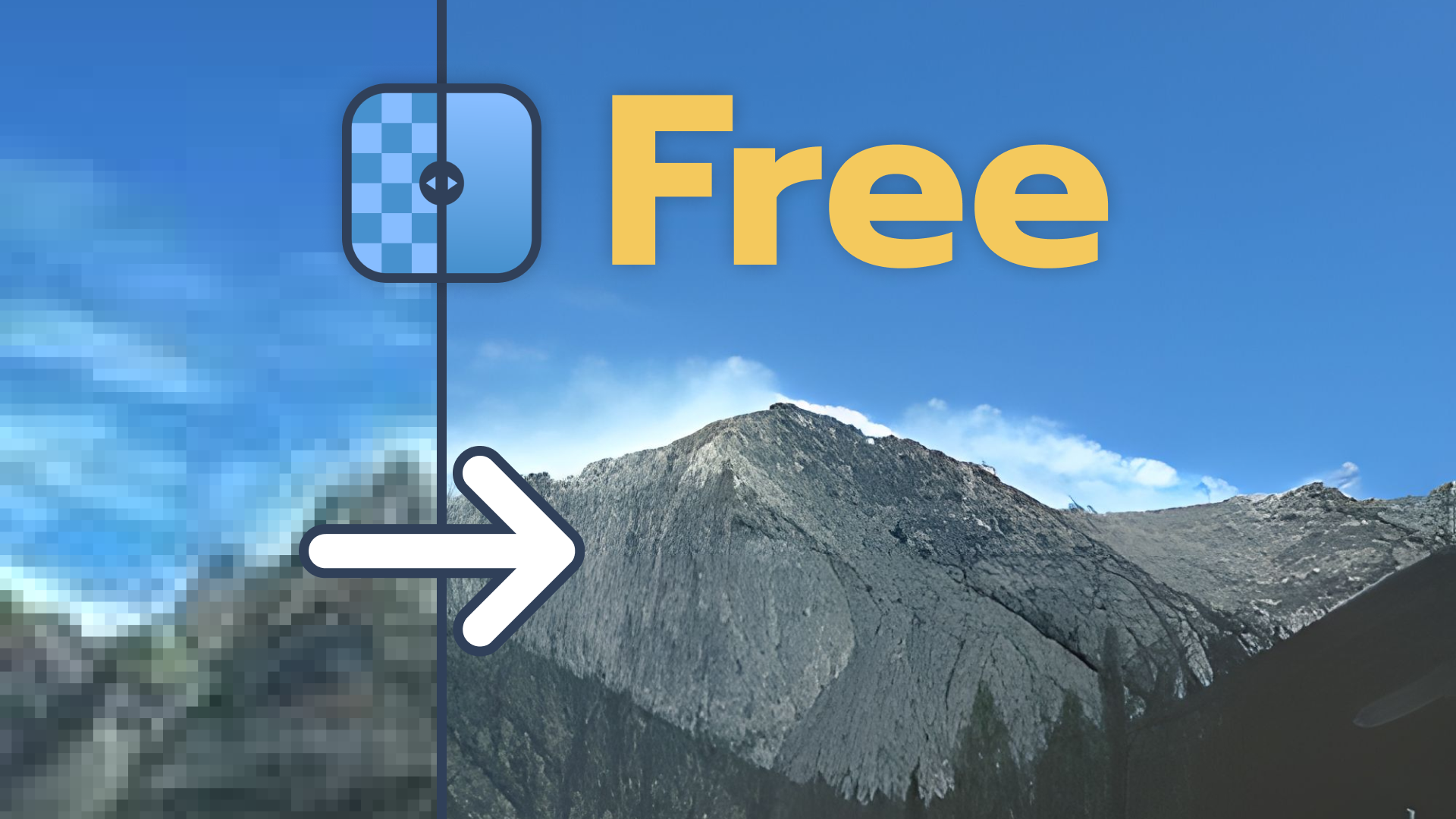
The Problem: Low-Resolution Images Look Bad or Are Not Usable
Many times we want to use an image for a presentation, a design, or a post on social media. But the image has a low resolution. It gets pixelated or blurry when we make it bigger, or it loses detail. For example:
- Old photos from an old phone camera
- Small images from the Internet
- A logo or graphic that we need for printing
These problems make images look bad. Screens and media get higher resolution every year, so low-resolution images do not fit well anymore.
Upscayl is a good choice if you want sharper images without paying for expensive software.
What Is Upscayl?
Upscayl is a free and open source app that makes images bigger (Image Upscale) with modern AI. It is easy to use. You do not need any graphics or photo editing skills to start. It works on Windows, macOS, and Linux. You can also pick an AI model that fits the type of your image.
How to Install and Use Upscayl
Upscayl works on Windows, macOS, and Linux. You can download it from the Upscayl website https://upscayl.org
After the install, let’s start using it.
Open Upscayl. It will ask for a few basic settings. Set them the way you like.

Before we use it, let’s look at the Settings for a moment.
The first one is Output. It sets the size of the image.
We can pick a multiple, like 2x, 4x, or 8x.
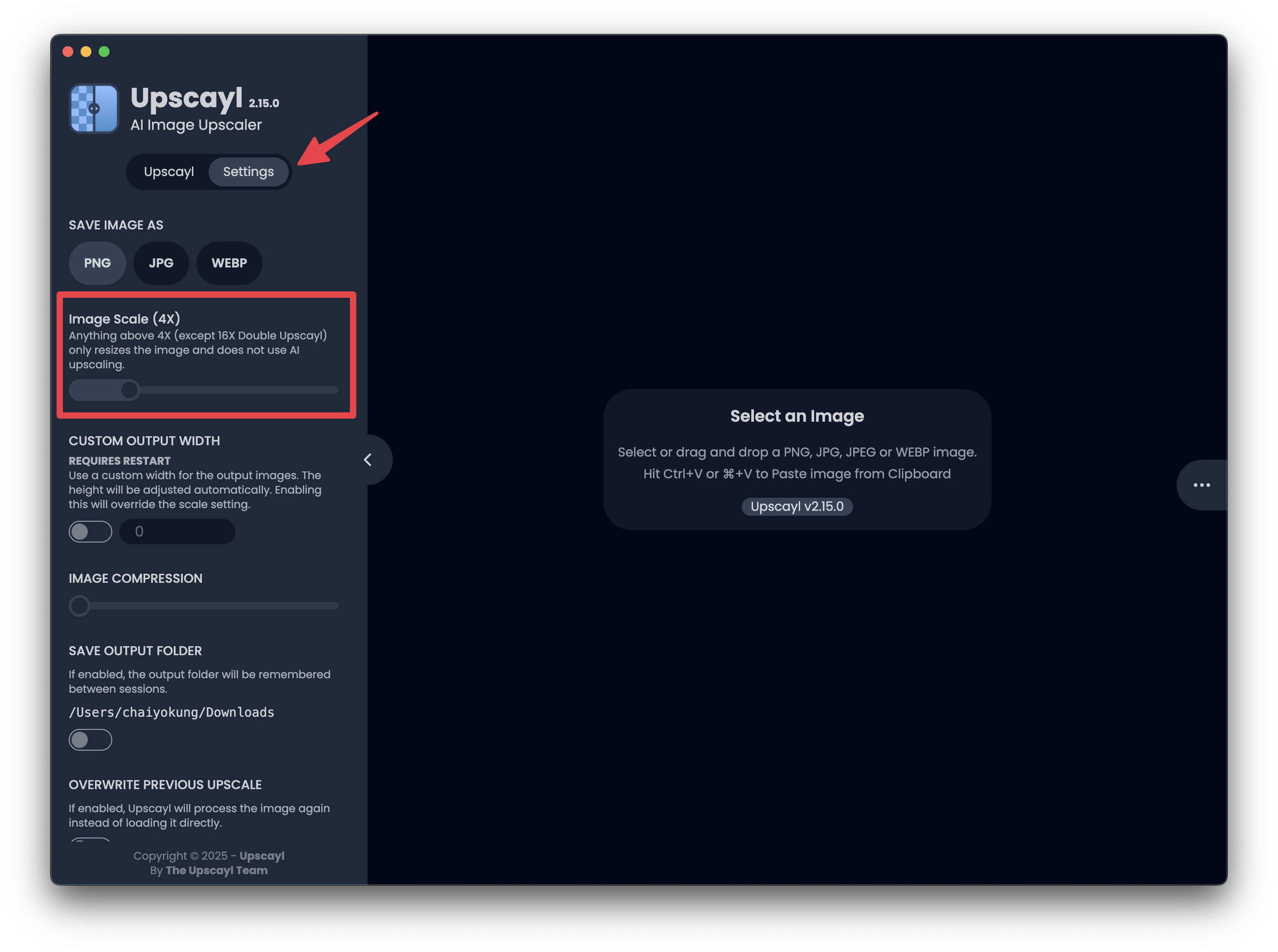
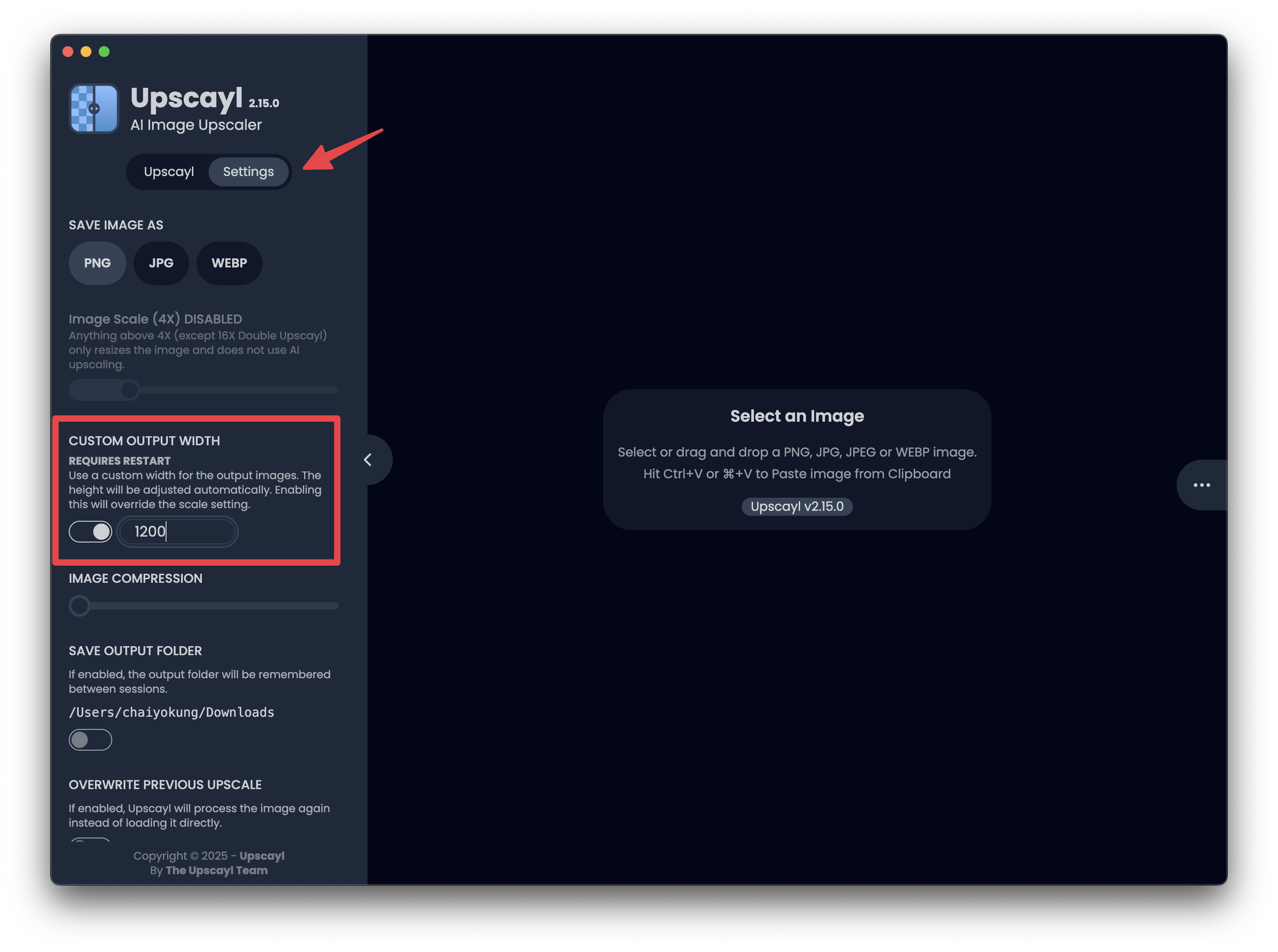
Or we can set the width ourselves. (The app works out the height for us and keeps the same aspect ratio.)
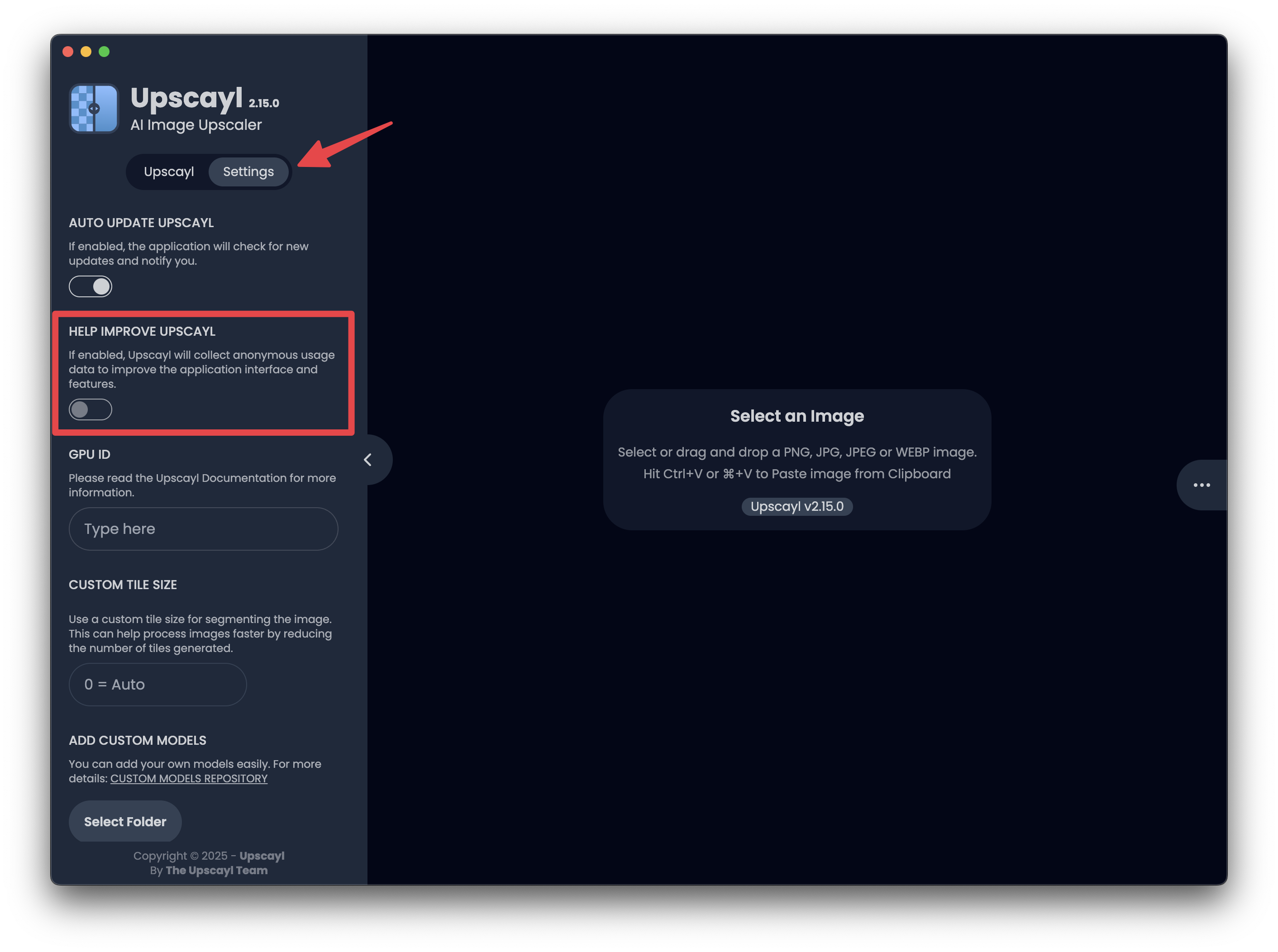
The other one is whether we let them collect our usage data to improve the app.
Now let’s really start using it.
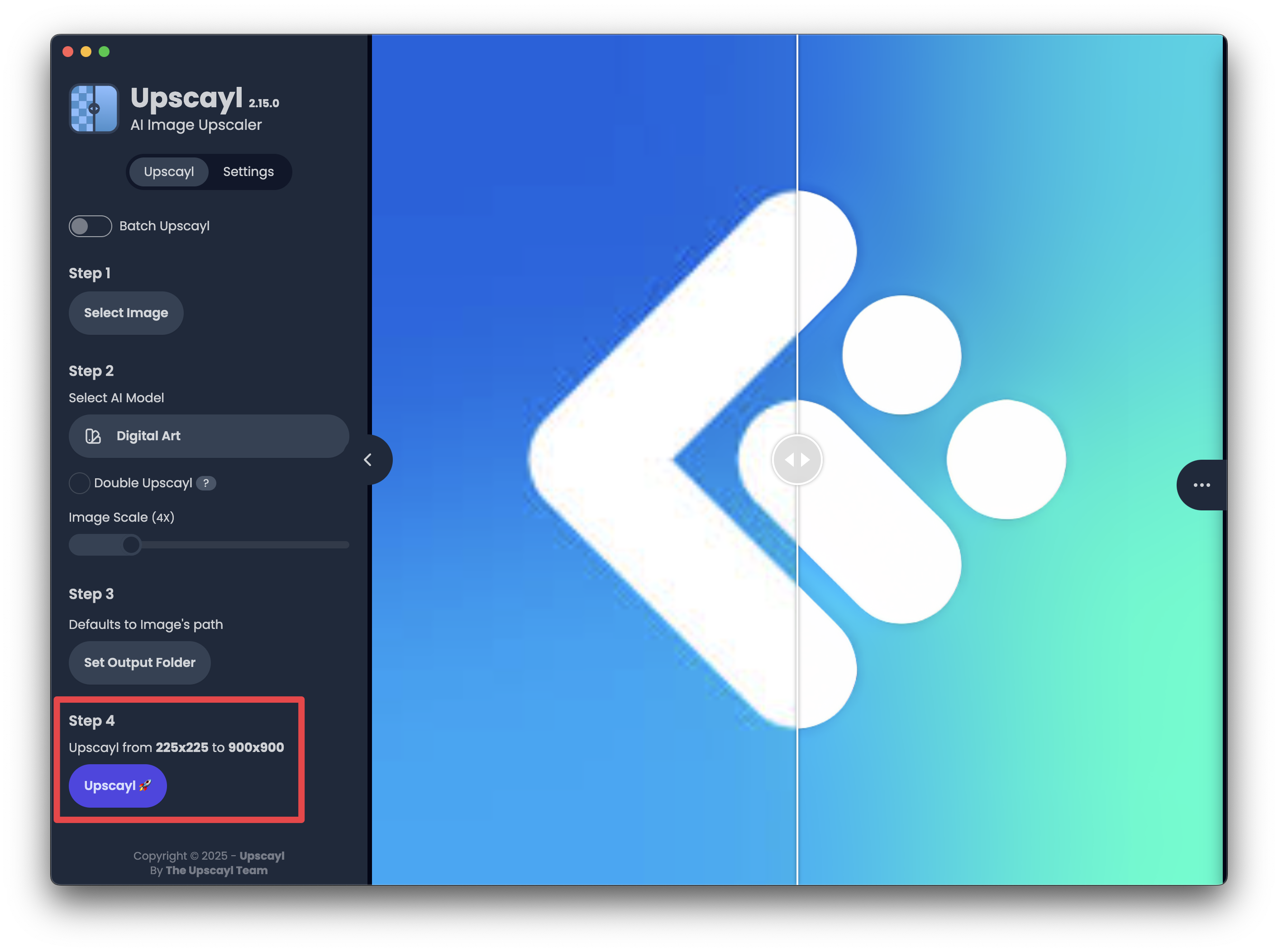
Pick the image file that you want to make sharper.
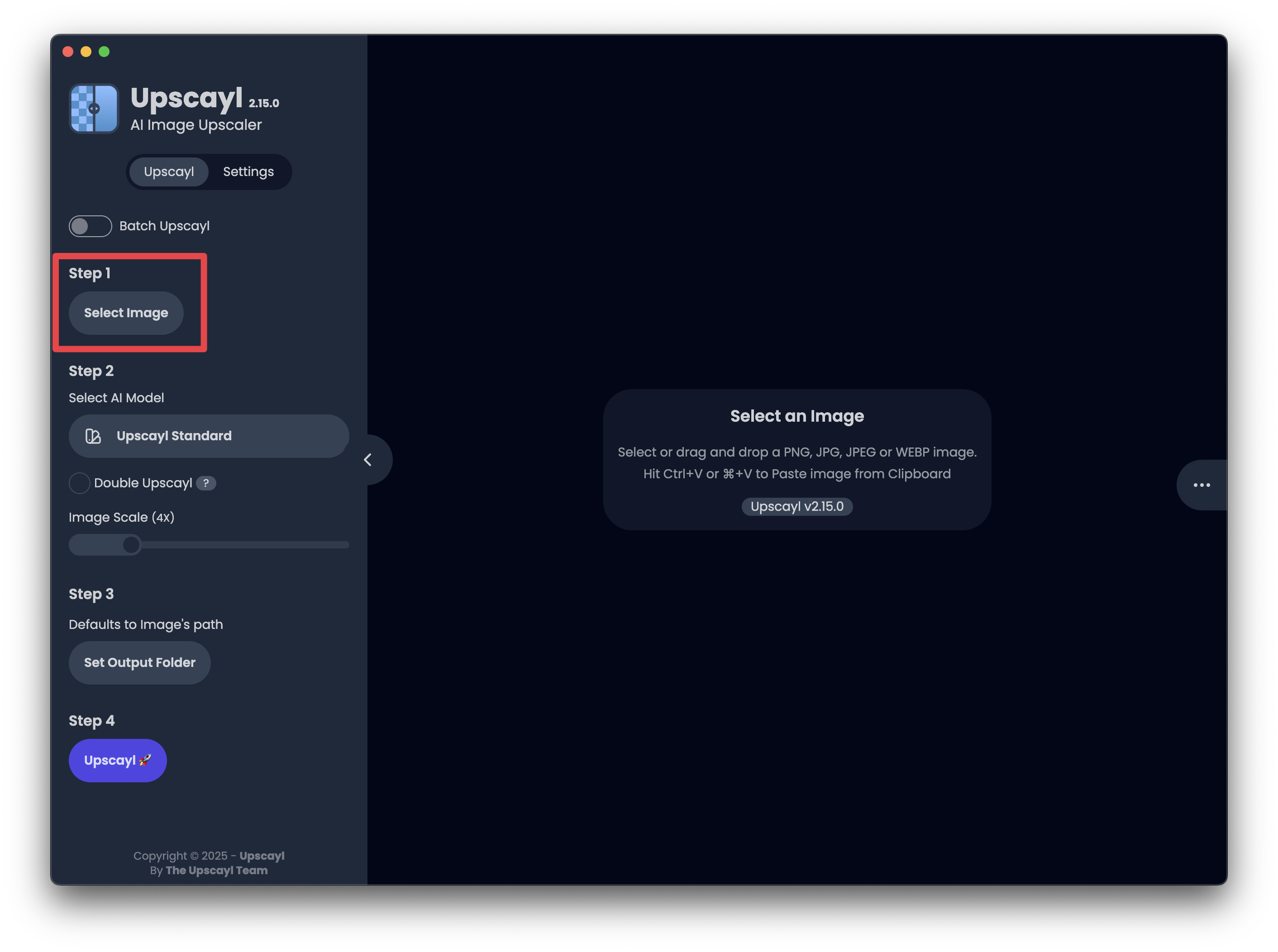
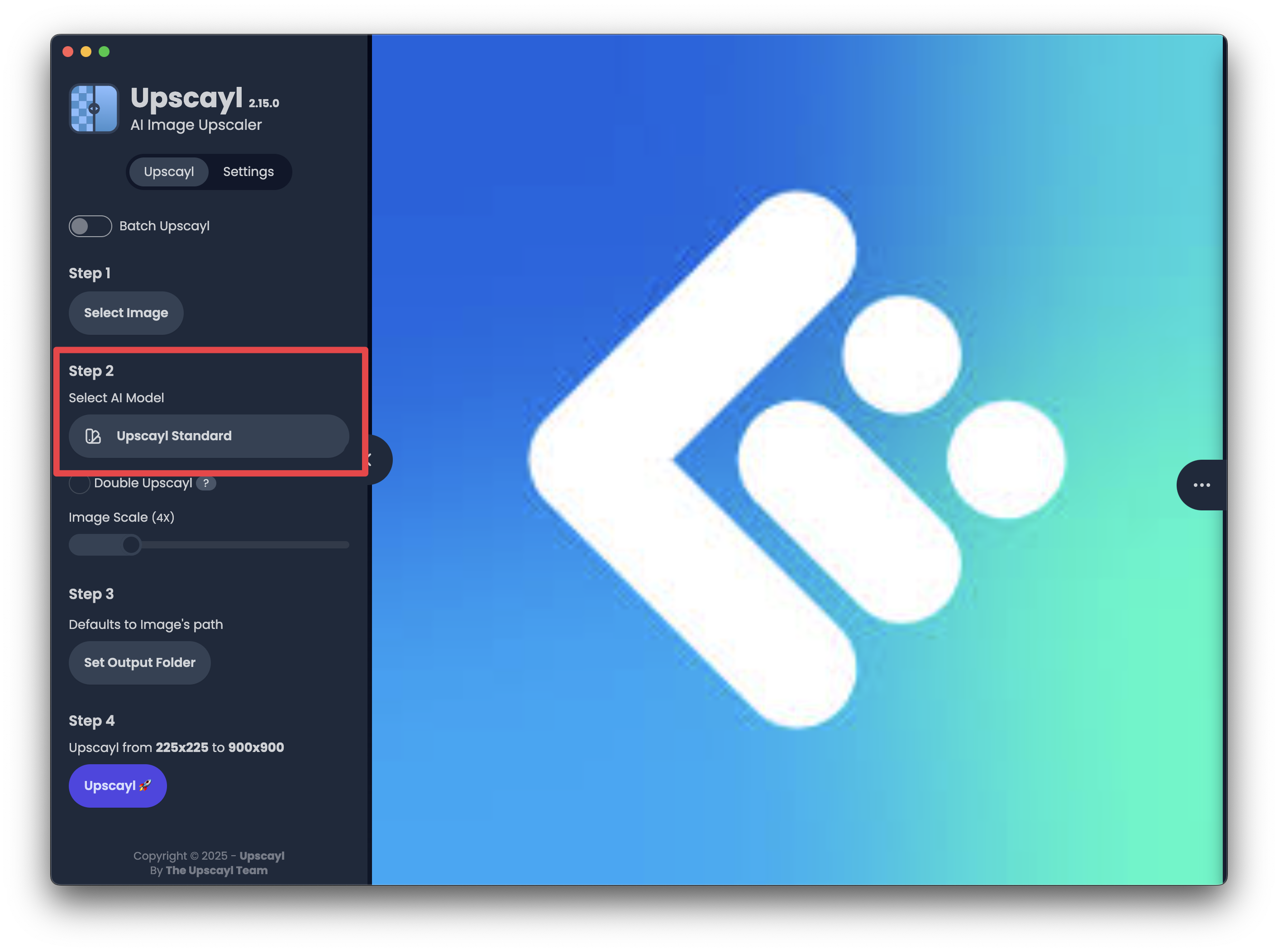
Pick an AI model that fits your type of image (like Photo, Art, or others). If you cannot decide, just use the first one, the Standard Model.
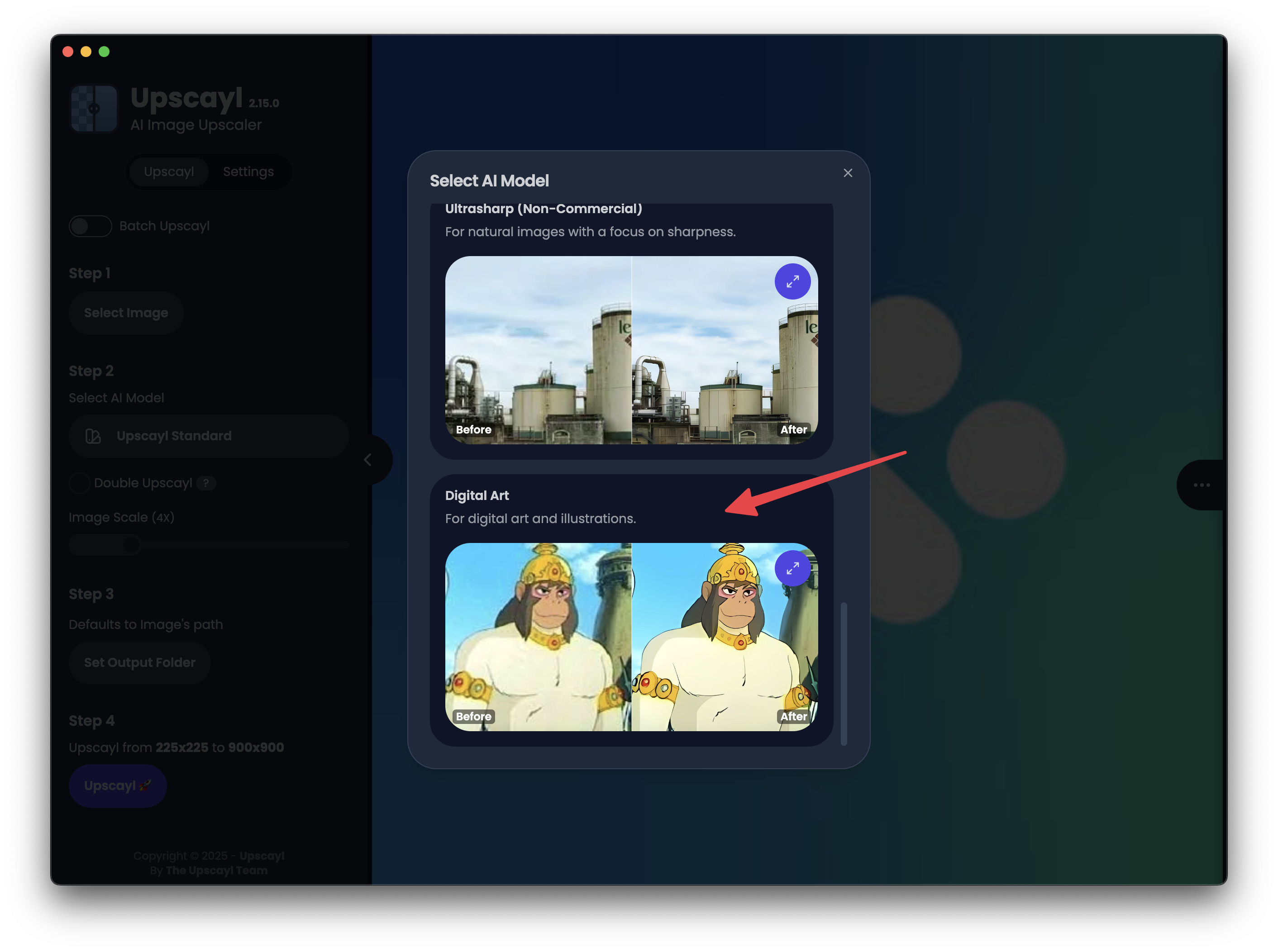
My image is Digital Art, so I picked the model for Digital Art.
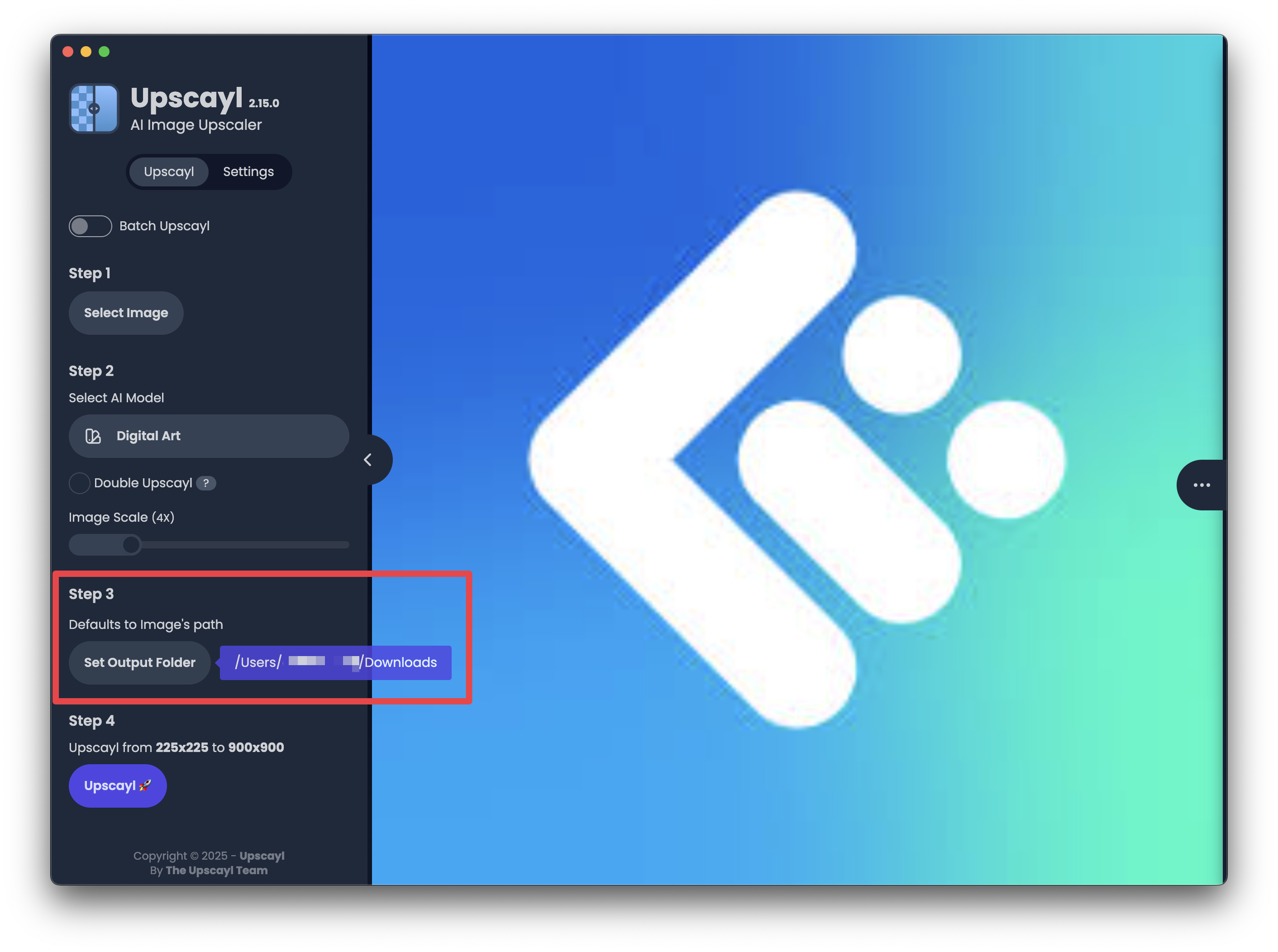
Take a quick look here too. It shows where the result will be saved.
Press the Upscayl button. Then we can see the Before/After and how the image changed.
How was it? Easy to use, right?
Summary
Upscayl is a free tool that makes images sharper in an easy and fast way. It is good for beginners and for graphic people who want bigger images without losing detail. You do not need to buy expensive software, and it works on every operating system. Give it a try, and you will get sharper images without any trouble.
Thank you!